Computer Basics and Introduction to the Internet

This section is designed to help you build confidence in using a computer and exploring the internet. Whether you’re learning how to turn on a computer, use a mouse, connect to Wi-Fi, or find useful sites online, this page will guide you step by step.

Computer Basics Video Playlist

Easy Steps

1. Turn your computer on and off

2. Use the mouse

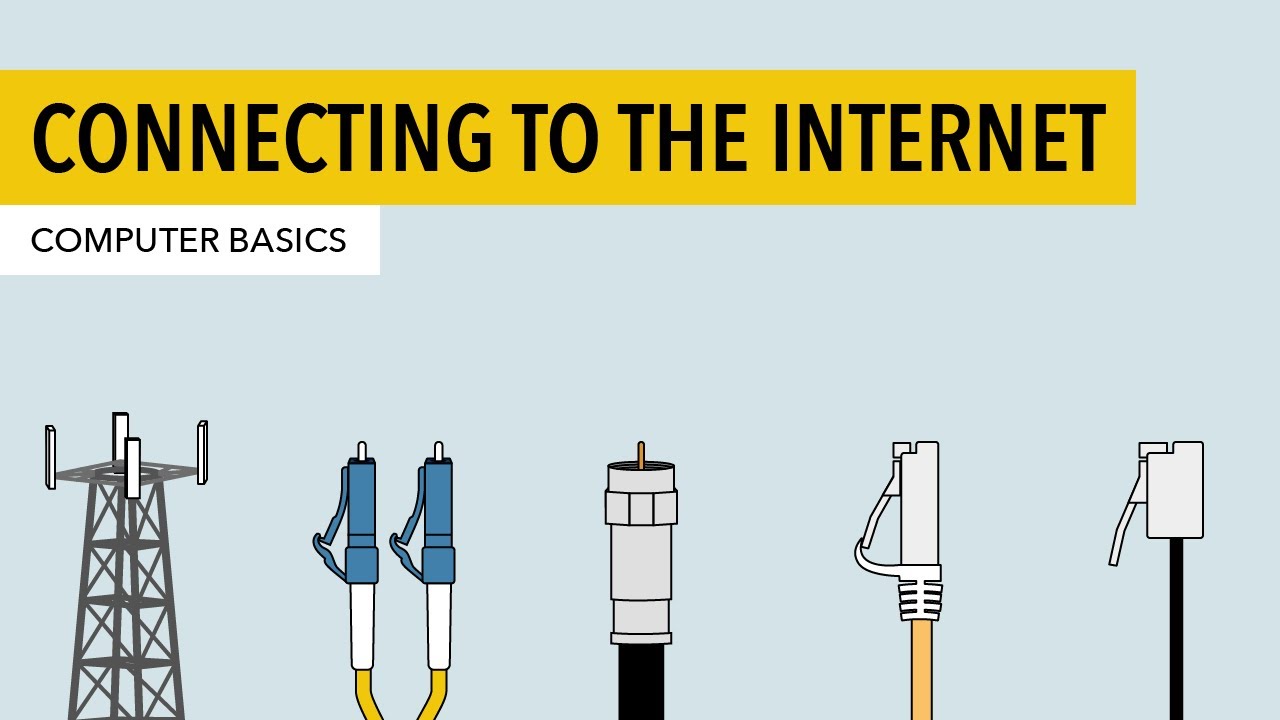
3. Connect to Wi-Fi

4. Open an internet browser

5. Type

6. Find fun and useful websites

Some online resources to get you started

Click through the following 5 sections to start your internet journey.

Click here for the following resources:

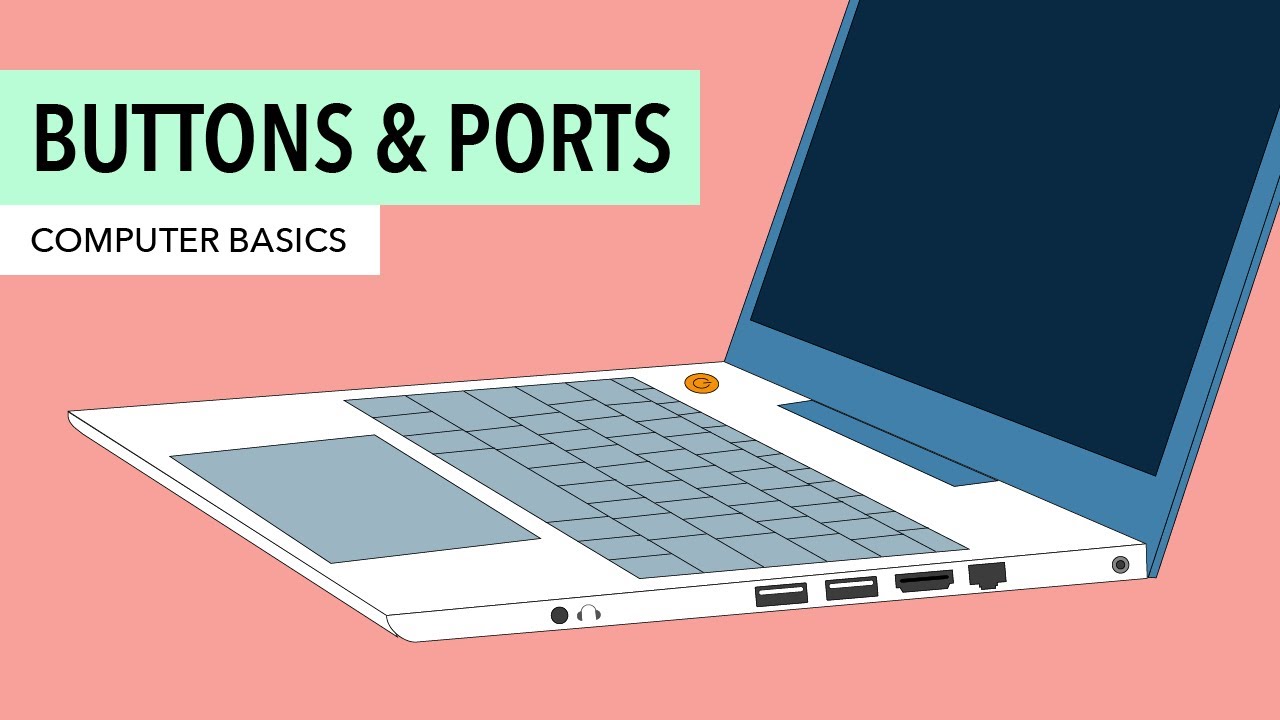
  • Turning your computer on and off
  • An interactive ports exercise
  • Some examples of common computer accessories (e.g. printers)

Click here for the following resources:

  • An interactive keyboard 
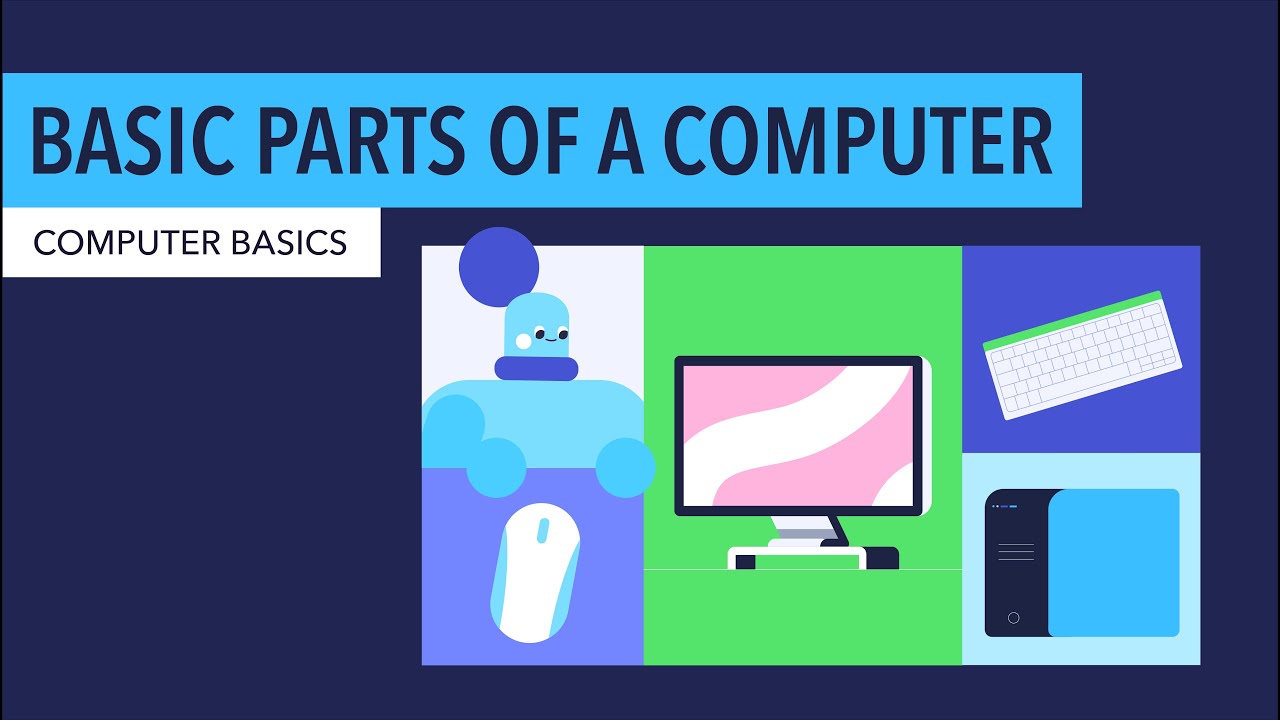
  • Info on computer parts, e.g. the monitor, mouse etc.

See the video below for instructions on how to connect to Wi-Fi.

See the video below for instructions on how to get started with the internet:

Here are some URL links to fun websites. Use these to get comfortable with using the internet!

Typing games

  • Ztype – a typing game where you type to shoot

Mouse games

  • Jigsaw Planet – A jigsaw game to practice dragging and dropping with your mouse
  • AimTrainer – An online game to practice your speed and accuracy.
  • Slither.io – to improve overall coordination

Click here for information on some of the common problems you will run into at some point when using the computer.